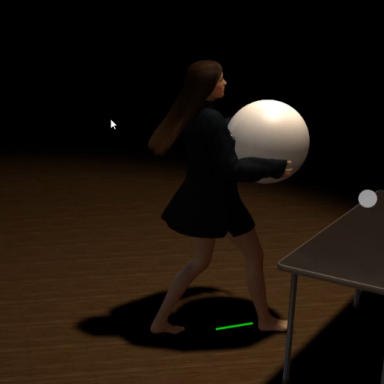
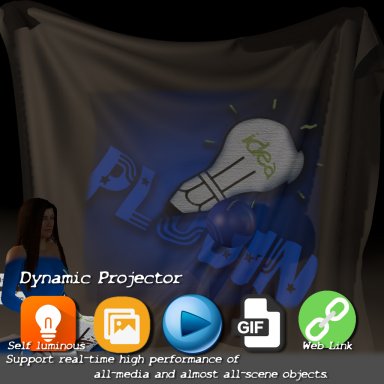
do you want to share various materials in VAM scenes more conveniently? Not just for a specific CUA.
This plug-in makes it a reality. You only need to load the material package once. You can reuse them on as many models as you want in the scene. And automatically carry out material conversion..
What can you do with it?
It can import materials into the scene in a more convenient form. Each atom can share these materials.
Imagine this:
Import a material package with CUA (which contains PBR, water, snow and other materials).
Then other atoms use these materials to decorate the scene!
Here is a demo scene:
Scenes - Demo Scene For CUA Materials Manager | Virt-A-Mate Hub (virtamate.com)
How to use :
1. Prepare your materials in Unity. And export it as a CUA package.
2. By loading the CUA package in VAM.
3. Mount "CUAmarker.cslist" on the CUA atom to mark the atomic object of the target cua.
4. Mount "CUAMatManager.cslist" on the atom to which the material effect needs to be applied, and then select the target CUA atom, target material and target custom material respectively.
The following is a detailed video demonstration:
Disclaimer: The purpose of the plug-in is only to expand the game function. Please do not use this plug-in for illegal purposes, and the consequences arising therefrom will be borne by the user himself.
This plug-in makes it a reality. You only need to load the material package once. You can reuse them on as many models as you want in the scene. And automatically carry out material conversion..
What can you do with it?
It can import materials into the scene in a more convenient form. Each atom can share these materials.
Imagine this:
Import a material package with CUA (which contains PBR, water, snow and other materials).
Then other atoms use these materials to decorate the scene!
Here is a demo scene:
Scenes - Demo Scene For CUA Materials Manager | Virt-A-Mate Hub (virtamate.com)
How to use :
1. Prepare your materials in Unity. And export it as a CUA package.
2. By loading the CUA package in VAM.
3. Mount "CUAmarker.cslist" on the CUA atom to mark the atomic object of the target cua.
4. Mount "CUAMatManager.cslist" on the atom to which the material effect needs to be applied, and then select the target CUA atom, target material and target custom material respectively.
The following is a detailed video demonstration:
Disclaimer: The purpose of the plug-in is only to expand the game function. Please do not use this plug-in for illegal purposes, and the consequences arising therefrom will be borne by the user himself.