
• Hi Guest!

    We have posted a new VaM2 dev log on Patreon, starting a monthly cadence of written progress updates between Beta releases. Highlights include the new Gizmos System, Selection Carousel, and Modes System with Context-Specific Editing. Beta1.2 is 15 of 21 items complete.

    Read the full post on Patreon, or follow progress on the public Trello roadmap.
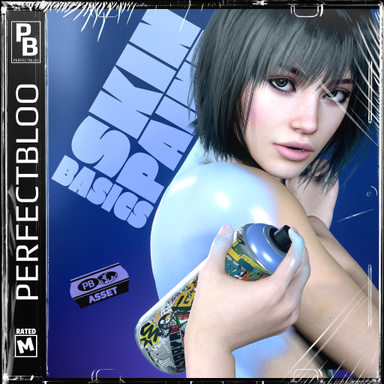
Skin Paint Basics

Assets + Accessories Skin Paint Basics

Download [3.7 MB]
@BillTheButcher Thank you! I'm glad you figured it out.
Yes, painting on clothing is something I want to explore! But I need to see how complex it will be to implement, so I don't have a timeline for it yet.
Thank you very much for the reply, but I seen in one other thread where you painted the skin to look like it was oil/wet? Could you elaborate exactly how you did that? The instructions you gave I could not understand at all, sorry I am new.
 
Thank you very much for the reply, but I seen in one other thread where you painted the skin to look like it was oil/wet? Could you elaborate exactly how you did that? The instructions you gave I could not understand at all, sorry I am new.
That workaround is not needed anymore. With the latest version you can just use the Max Alpha setting to create these kind of effects.

Max Alpha Setting
 
for uknown reason I don't see your plugin listed in the select file window which I open via "Preset -> "Select existing..." button. from empty cua.. it is just not there...
I have scene plugins loaded
1777506476616.png

And atom plugin loaded
1777506504192.png

but:
1777506577212.png
 
for uknown reason I don't see your plugin listed in the select file window which I open via "Preset -> "Select existing..." button. from empty cua.. it is just not there...
That's weird 🤔 Just to make sure since the CUA presets are in a separate package, can you please verify in VaM's package manager that perfectbloo.SkinPaintBasics.5 is installed and enabled?
 
Back
Top Bottom