In the Video tutorial (panel) under Overview, the person in the video is so beautiful, can you share it?
Ella?
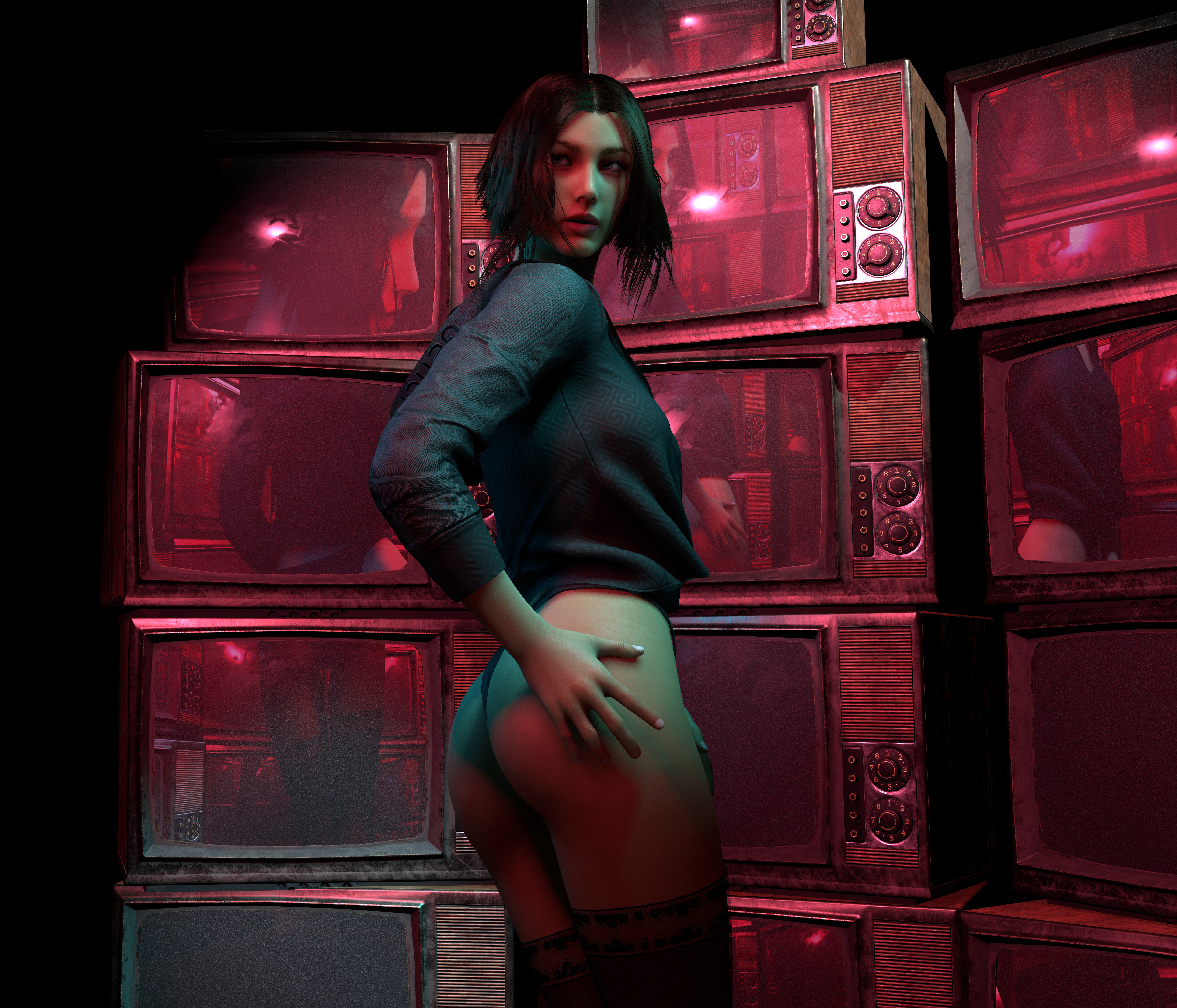
She's available in Stasis Lab, as an appearance preset, her and her clone (which is a variation with a different skin).

In the Video tutorial (panel) under Overview, the person in the video is so beautiful, can you share it?
Hi Hazmhox,
Will you consider compatibility between new and old versions?
I've setup several of my UI framework with Vamstory Custom Action, but every time when there's update, I have to totally rebuild them with the latest version if I want to use the latest VAMSTORY.
I'm frustrated.
Thanks so so so muchElla?
She's available in Stasis Lab, as an appearance preset, her and her clone (which is a variation with a different skin).
Oh sorry, I think my description made confusion. I didn't mean the compatibility between VaM versions and VAMSTORY versions, but I mean the versions VAMSTORY itself.There is zero breaking update since Custom exists.. and overall I ensure I'm always keeping legacy compatibility. You can test the demo provided in HZMDemos, it's a legacy demo made at the first release and it works : )
How are you updating VAMS?
Oh sorry, I think my description made confusion. I didn't mean the compatibility between VaM versions and VAMSTORY versions, but I mean the versions VAMSTORY itself.
For example, I've built a UI with Custom Action in VAMSTORY v40 and saved it as am Empty Atom preset. And then later, when I am using VAMSTORY v41 in my another scene, there will be compatibility problem when I try to load the Empty Atom preset with Custom Action that is in VAMSTORY v40.

My way of updating VAMS is only via in-game Hub, and I won't delete any legacy version after I download the latest one.No no, I litterally understood what you meant. And yes, when I'm talking about legacy content I'm talking about the VAMS version itself.
This was kind of obvious as VAM does not get updated and only VAMS does
You still did not answer my question, how do you update VAMS?
What is a compatibility issue? You give me no information, error message, screenshot of problem etc...
(I'm pretty sure I know what your problem is but I can't be sure if you don't give me a bit of details)
)Cool! It works!They are compatible with any version, you're just hitting the usual problem with VAM plugins using assets: DO NOT load different versions of plugins inside of a scene.
That error is tied to trying to load the same assetbundle from different versions.
Do not keep legacy version of VAMStory, grab the last one/update, then remove all versions older than the current one. Load your scene. The end.
I did a test in my clean version ( because even tho I know I'm right, I'm a nice person trying to put everything in perspective and ensuring I'm not wrong
I loaded the Custom demo with VAMS 1.40, saved the empty atom preset. Hard resetted VAM, removed 1.40, moved to 1.43 and then create a blank scene, reloaded my preset: everything worked perfectly.
Seeing you're sub to the hub is from 2024, and that you actually released paid content, I'm surprised you can hit that side effect of plugins as it's well know amongst advanced creators. This has been discussed several times for any plugin or sub-plugin of most of my releases and other creators releases.
This is explained here : https://hub.virtamate.com/resources/a-guide-to-updating-vars-and-plugins.27059/
Please follow a proper process for updating your plugins, and migrating your versions.

Cool! It works!
Thank you so much for having helped me solve this fool trouble of mine.
Hi!
I'd like to report an issue:When I use ActionCustom’s "Slider Big" and check "Do not execute trigger at start," the slider resets to 0 when the scene loads. I'm not sure if this is intentional — but I was actually hoping for a save-state-like behavior. That is, when this option is checked and I save the scene, the next time I load it, the slider should retain the value it had when saved.
For example:If I set the slider to 0.6 and save the scene, I’d expect it to still be 0.6 on the next load — not 0 or the default value.
Thank you so much for making such a powerful plugin!
OK, I got it. Thanks a lot!Hi, thanks : )
I double checked just to be sure I did not miss anything...
First, there is no connection whatsoever with "Do not execute trigger at start" (it behaves the same with or without) and secondly, you're expecting wrong. (and that's actually surprising if you use the plugin extensively).
Not a single VAMStory plugin saves the state of the UI after player interaction in the scene... zero, none... and that since the beginning. Every plugin uses the default values set and configured by the creator in the plugin to ensure the same exact behavior at scene load everytime without having to init / reinit everything. The "manual re-init" being only necessary at scene playthrough if you want to reset the scene or allow navigation in "sub animations" so to say.
I always did that because the default VAM behavior of saving at player interaction is a nightmare and a very counter-intuitive way of handling data.
That's not an issue, that's how it works / it is designed.
General
- Fixed all plugins "readying method", which was failing with the new VAMStoryVFX plugins.
- Fixed the readying method to account for local plugins (on the same atom) to also wait properly
VAMStoryCharacter
- Fixed an animation logic bug for the penis morph for male/futa characters
- Added the morph tab allowing control of several curated morph as an "animation helper" for the character. See the help section inside of the...

Hello, does the VamStory Character section support altfuta for the penis morphs?
Hello again, so I did try to test this and I'm afraid the plugin outputs an error messageIt should!
Hello again, so I did try to test this and I'm afraid the plugin outputs an error message
 hub.virtamate.com
 hub.virtamate.com
VAMStoryCharacter
Thanks to @VIMVAMVOOMcoom for the report on the alt-futas issues <3
- Added new genital morph specifically for alt-futas
- Fixed the contraction system to allow use on alt-futas
- Fixed a potential error triggered on slower systems