• Hi Guest!

    We are extremely excited to announce the release of our first Beta1.1 and the first release of our Public AddonKit!
    To participate in the Beta, a subscription to the Entertainer or Creator Tier is required. For access to the Public AddonKit you must be a Creator tier member. Once subscribed, download instructions can be found here.

    Click here for information and guides regarding the VaM2 beta. Join our Discord server for more announcements and community discussion about VaM2.
  • Hi Guest!

    VaM2 Resource Categories have now been added to the Hub! For information on posting VaM2 resources and details about VaM2 related changes to our Community Forums, please see our official announcement here.
AR Girlfriend

Scenes AR Girlfriend

Download [84.53 MB]

Mhunter047

Active member
Joined
Feb 26, 2022
Messages
88
Reactions
184
Mhunter047 submitted a new resource:

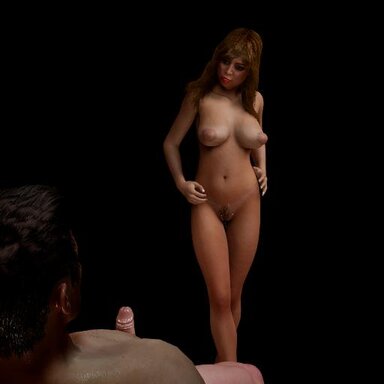
AR Girlfriend - Enjoy some private time with your favorite girl in your home in fully voice commanded AR Experience!

You are in your favorite place to do some serious gooning on the internet and your favorite girl comes in to entertain you personally in your home! This scene is totally developed for AR use only. You could play it on desktop, but it has a big blue background. The scene is you embodying the guy and having close up and intimate fun with your favorite girl(s).


I decided to try out the AR thing in my Quest3 a while back and even though the scene I through together was very basic, I was...

Read more about this resource...
 
i got commands working but why is my scene background blue
If the scene background is blue, then you do not have Augmented Reality working. The background is supposed to be whatever is around you. You need to setup your headset to do AR, there is a link on the overview page to download a script and Virtual Desktop (the Meta version not the Steam one) and get AR working. This scene was designed for AR, I have a regular version of this scene (with a lot more positions) with a background that I may post someday.
 
Last edited:
looks awesome question can you use this scene without speaking ?
No, well mostly no. I have setup no manual triggers as that completely ruins the immersion. But... you could open the Scene Plugins tab, and then Speech Recognition, and find the "Next" button. There is a button you can click there to test the function, and you could use that to move through the scene.
 
Back
Top Bottom