

navigation
-
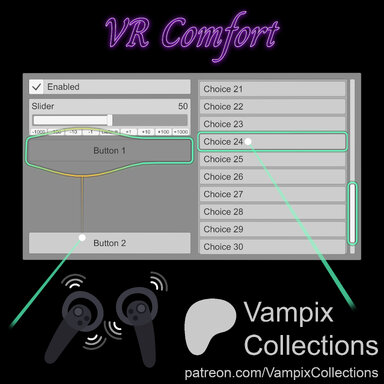
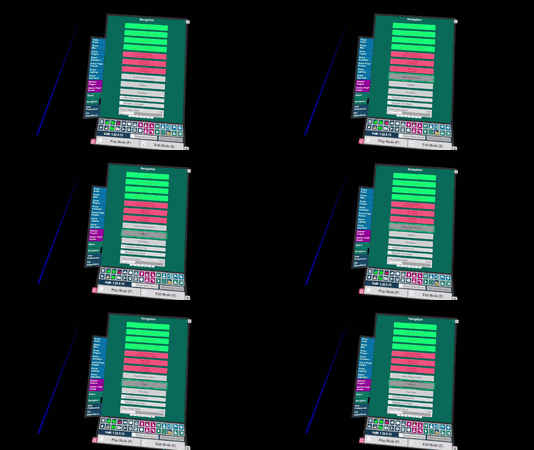
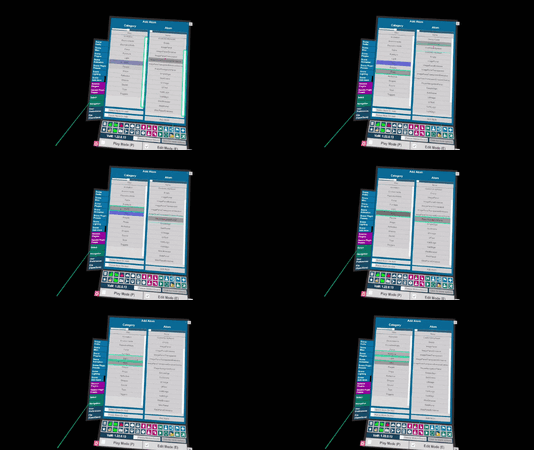
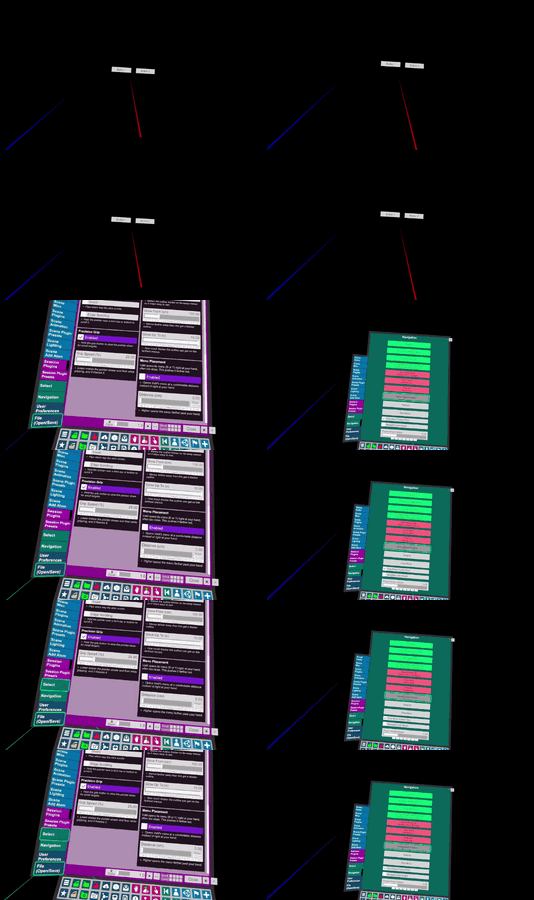
Paid Plugins + Scripts VR Comfort - Better VR Navigation: Steady Aim, Button Assist, Thumbstick Scrolling, Haptic Feedback 1
VR Comfort Steady aim, buttons that meet you halfway and more. UI navigation that finally feels like it was made for VR ♡ Fed up with VaM's shaky VR navigation, clicking the wrong button and fighting to land the one you actually want? VR Comfort steadies your aim, pulls buttons toward the...- Vampix Collections
- Resource
- oculus user experience user interface virtual reality
- Category: Plugins + Scripts
-
Paid Plugins + Scripts WSAD Movement v.1
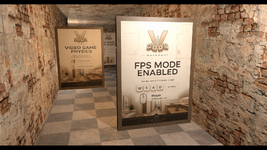
A lightweight first-person movement controller for VaM Desktop. It replaces the standard floaty navigation with grounded, game-style WASD walking so you can explore your scenes as if you were really standing in them. ✨ Features True FPS controls — W/S to walk forward/back, A/D to strafe, mouse...- vaan20
- Resource
- camera collision controller desktop explore first person fps immersion locomotion movement plugin script walk walking wasd
- Category: Plugins + Scripts
-

VaM 1.x The next control your person as if it's you.
What’s good, I’m a new dev and I’ve been working on a cleaner, better plugin for controlling the camera while you’re inside a Person Atom. I already have a prototype up and running, and once I polish it a bit more, I’m planning to release it soon. :) Any ideas ?- milkbaron
- Thread
- camera control first person immersion person atom plugin possession pov prototype quality of life upcoming vam wip
- Replies: 4
- Forum: Requests To Community
-
Plugins + Scripts Camera Nav 1
Hub-Hosted VAR CC BY-NCMouse camera controls for desktop mode Adds right-click drag to rotate the camera and scroll wheel to zoom. Works as a Session Plugin so it stays active across scenes. ▸ What It Does Right-Click to Rotate Hold right mouse button and drag to look around. The horizon stays flat and...- milkbaron
- Resource
- camera camera control cameranav creator tool desktop movement plugin quality of life scene tools smooth camera utility
- Category: Plugins + Scripts
-
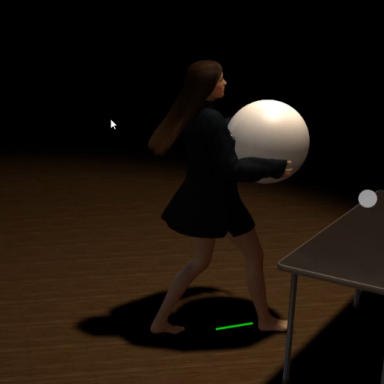
Paid Plugins + Scripts Advanced Pathfinding & Joystick move control & Advanced scene interaction (Paid) 1.3
Are you expecting VAM to be like a real rpg game?Now it's here, and this plug-in makes it possible.It is specially designed for creation and has a rich tool chain to help you use VAM to create your own rpg. The plug-in is still being updated continuously, and the video may be different from the...- PluginIdea
- Resource
- joystick pathfinding
- Category: Plugins + Scripts
-

Plugins + Scripts VamNavigator 1
Hub-Hosted VAR CC BYVamNavigator allows for Forward, Backward, Left, Right, Up, Down, Clockwise, and Counter Clockwise movement using hotkeys or UI triggers, which can be mapped to buttons or utilized within Timeline with continuous trigger movement options. It features smooth, eased transitions for a natural and...- VamEssentials
- Resource
- cinematic continous movement movement navigator player height adjust position speed tracking
- Category: Plugins + Scripts
-
Q
Tilting the camera in VR
Is there any way to tilt the camera while using VR? or while using embody? haven't figured out a way yet and its quite frustrating, anyone have any idea?