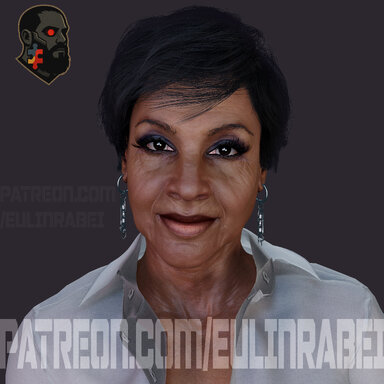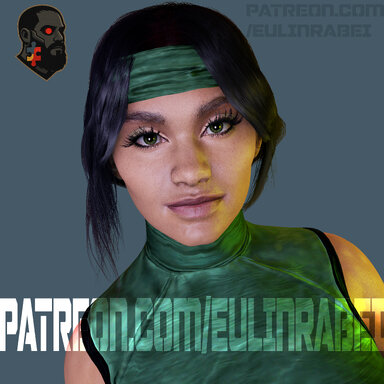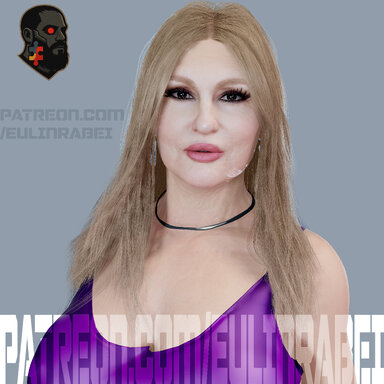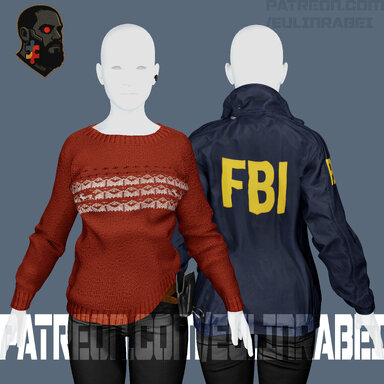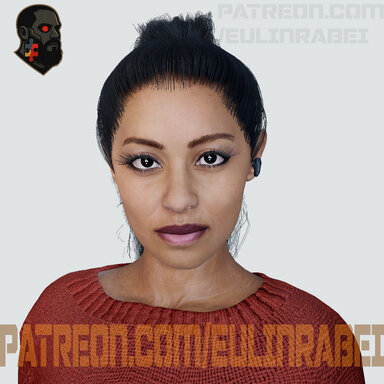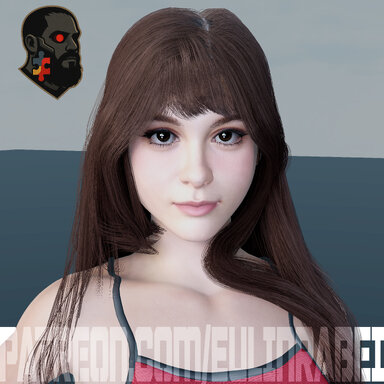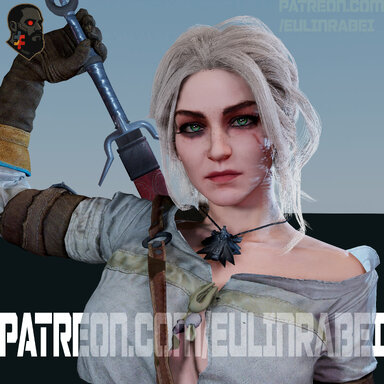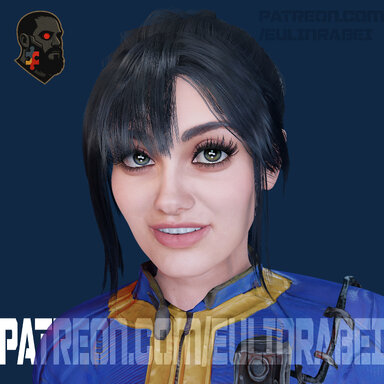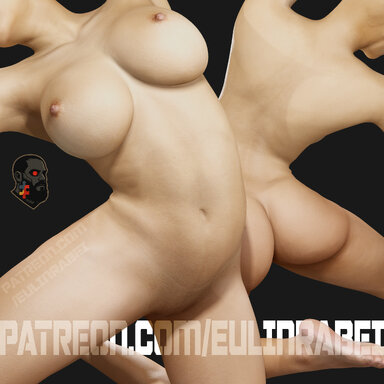

TEXTURE-PACK BROWN 8K
This pack is a complete revision of an older texture I originally created for the G2 body (Daz3D), used in Virt-A-Mate.The first version was made at a time when I didn’t yet have the technical experience I have today. Over time, it became clear that the original work had real limitations — especially in anatomy, color balance, and detail placement — as well as construction choices that no longer reflect how I work now.
Instead of applying small fixes, I chose to rebuild parts of the pack, revisiting proportions, refining the color palette, and improving the Diffuse, Specular, Glossiness, and Normal maps. The goal wasn’t perfection, but a more coherent, cleaner, and more reliable result within my current standards.
This pack is being released for free, both as an updated resource and as a record of growth — showing the difference between an earlier stage of my work and a more mature approach to the same project.
If it’s useful to you, that’s great.
If it helps as a base, reference, or inspiration, even better.
Thanks for checking it out.
Older Version : https://hub.virtamate.com/resources/eulinrabei-textue-pack-brown-4k.55312/
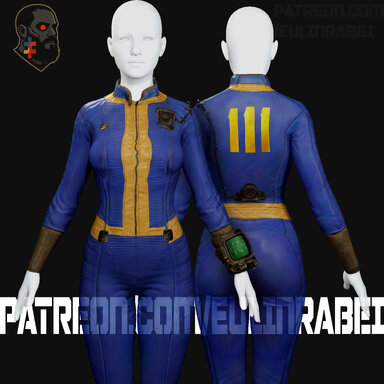
CUA Item in Scene (ColorTone): @Tiseb