• Hi Guest!

    We are extremely excited to announce the release of our first Beta1.1 and the first release of our Public AddonKit!
    To participate in the Beta, a subscription to the Entertainer or Creator Tier is required. For access to the Public AddonKit you must be a Creator tier member. Once subscribed, download instructions can be found here.

    Click here for information and guides regarding the VaM2 beta. Join our Discord server for more announcements and community discussion about VaM2.
  • Hi Guest!

    VaM2 Resource Categories have now been added to the Hub! For information on posting VaM2 resources and details about VaM2 related changes to our Community Forums, please see our official announcement here.
SnapShot

Scenes SnapShot

Download [<1 MB]
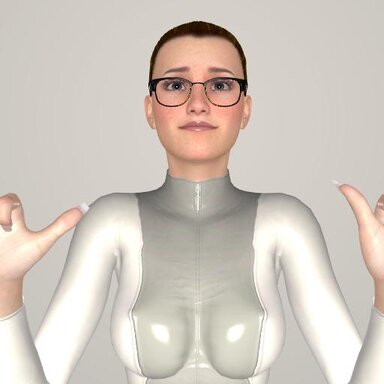
This environment helps you take preview photos in the same conditions.
Main goal of the scene is to combine front/rear/side view of your char in one preview screen in the same conditions (lighting, camera angles, etc) before save for example a clothing preset. This way you can observe more details later when choose a saved preset. Hope someone will find it useful.
summary-edt.png

Please consider the vital requirements:
1) SpawnPoint is required as a main mechanic.
2) Mirrored surfaces must be enabled in the settings to make the left mirror to work.

Usage hints: Use the floating buttons to pose the camera before take a photo. The default mirror/camera settings are for the standard 512x512 preview. The present view points are arranged for the standard FoV=40. The camera crop setting are located in the scene plugins. Most of controls are hidden, make sure to check 'Show Hidden' in the select UI to see them.


mirror_settings.pngatom_select_settings.pngspawn_point_settings.png
React to this content...
Click the links below to support the other creators whose content was used to make this resource!

Share this resource

More resources from Nickon7777

Credits

Creator Support Link
Acid Bubbles Acid Bubbles
Back
Top Bottom