

A set of five Person-focused plugins that work on their own or together and that I'll be using in future scenes. They are mainly intended to be used together, by selecting the '.cslist' file when adding them to a person atom.
Random Characters:
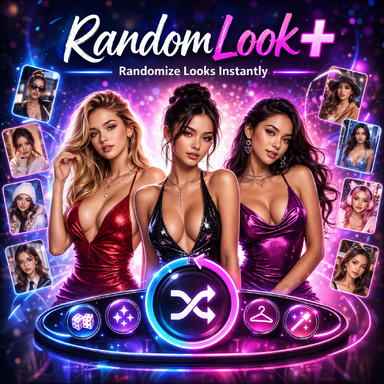
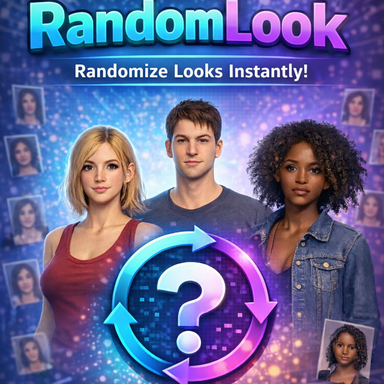
Similar to a previous plugin I released, called "RandomLook", this one picks a new look from your saved looks, appearances or presets. The difference here is that this one also adds a 3d grid in game to choose a specific look you might want; you can attach the grid to any object in the scene. It plays nicely with Garments when you want outfits handled in a consistent way. Comes with a guide but most of it is very intuitive.
Garments:
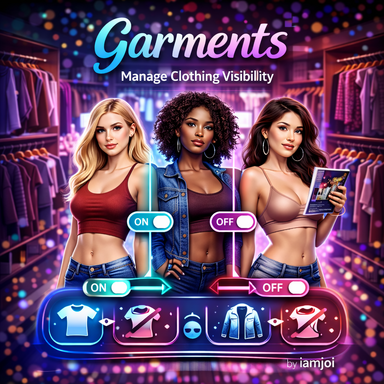
Garments helps you work with what a character is wearing; scan the outfit, group it into sensible layers (tops, bottoms, underwear, accessories), turn pieces or whole groups on and off, strip everything quickly, and copy or edit the wardrobe as a simple list you can save and reapply. Very intuitive buttons.
Person Audio:
Can play local sounds from your own files and generate real time lip sync, and also comes with before/after audio triggers so you can add more complexity into the rest of your scene. Comes with a bunch of options that you can experiment with. All functionalities are in their respective section.
Outbound/Inbound Triggers:
Outbound Triggers and Inbound Triggers are a pair for “when this happens, do that”: you define short labels or messages on one side and wire them to regular VaM action triggers on the other, including random chances so not every reaction has to fire every time. A key added to Outbound and triggered, will also trigger the same key in Inbound.
You can check the ScreenShots of the config UI for each, and if you have any questions Im always here to help out!
Cheers!
Random Characters:
Similar to a previous plugin I released, called "RandomLook", this one picks a new look from your saved looks, appearances or presets. The difference here is that this one also adds a 3d grid in game to choose a specific look you might want; you can attach the grid to any object in the scene. It plays nicely with Garments when you want outfits handled in a consistent way. Comes with a guide but most of it is very intuitive.
Garments:
Garments helps you work with what a character is wearing; scan the outfit, group it into sensible layers (tops, bottoms, underwear, accessories), turn pieces or whole groups on and off, strip everything quickly, and copy or edit the wardrobe as a simple list you can save and reapply. Very intuitive buttons.
Person Audio:
Can play local sounds from your own files and generate real time lip sync, and also comes with before/after audio triggers so you can add more complexity into the rest of your scene. Comes with a bunch of options that you can experiment with. All functionalities are in their respective section.
Outbound/Inbound Triggers:
Outbound Triggers and Inbound Triggers are a pair for “when this happens, do that”: you define short labels or messages on one side and wire them to regular VaM action triggers on the other, including random chances so not every reaction has to fire every time. A key added to Outbound and triggered, will also trigger the same key in Inbound.
You can check the ScreenShots of the config UI for each, and if you have any questions Im always here to help out!
Cheers!