

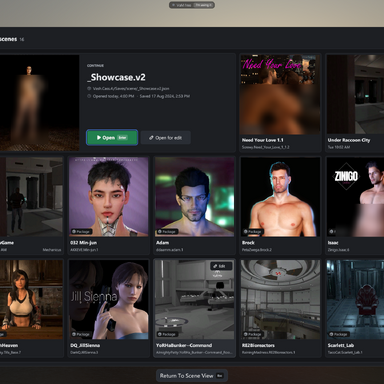


GUI Theme that includes minor functional changes to the UI. Focusing however mostly on cosmetic changes.
Install
- Put Mechanicus.VAM122M_EditionUI.1.var in VaM’s AddonPackages folder, or download it from the Hub.
- If an older copy is already there, remove it first.
- Start VaM, or click Rescan Packages if it’s already running.
- Open the main menu and go to the Session Plugins tab.
- Click Add Plugin, then Select File… on the new row.
- In the plugin browser, open the package Mechanicus.VAM122M_EditionUI.1 and pick VAM 1.22M Edition UI.cs. It’s the only file in its folder, Mechanicus/VAM 1.22M Edition UI/.
- If VaM asks whether to allow the package’s plugin, choose Allow Always so it doesn’t ask again at every start.
- The theme applies at once. Click Open Custom UI… on its row to see the panel: Basic shows Theme on and the status line.
- With the plugin loaded, go to the Session Plugin Presets tab. The panel’s first-run card has an Open Session Plugin Presets button that takes you there.
- Click Change User Defaults…
- Click Set Current As User Defaults.
- The card on the plugin’s panel then changes to “Loads with VaM”, which confirms it’s saved.


