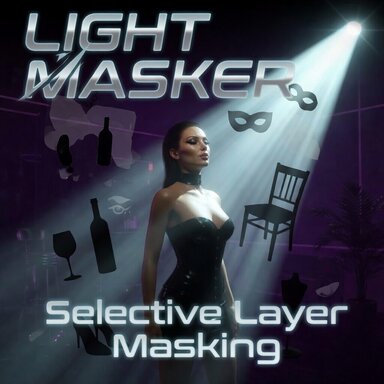

This plugin allows you to select which unity layers from a CUA to include / exclude from a vam light source. The CUA must be on a custom layer however.
Important Note: This is intended for use with CUA's which are designed on unity layers OTHER THAN 0 (Default). If your CUA is not custom made, chances are this plugin won't do anything, as by default it will be on layer 0, the same layer as everything else - so the mask won't do anything.
To Use:
Add the plugin to a light source, and select the layer you want the light to affect. The Person atom is on layer 0 (default). Here I have selected only my CUA (stage) so it illuminates just that.

Here I have selected just the person, layer 0 (default) and so only the person is illuminated.

Important Note: This is intended for use with CUA's which are designed on unity layers OTHER THAN 0 (Default). If your CUA is not custom made, chances are this plugin won't do anything, as by default it will be on layer 0, the same layer as everything else - so the mask won't do anything.
To Use:
Add the plugin to a light source, and select the layer you want the light to affect. The Person atom is on layer 0 (default). Here I have selected only my CUA (stage) so it illuminates just that.
Here I have selected just the person, layer 0 (default) and so only the person is illuminated.