


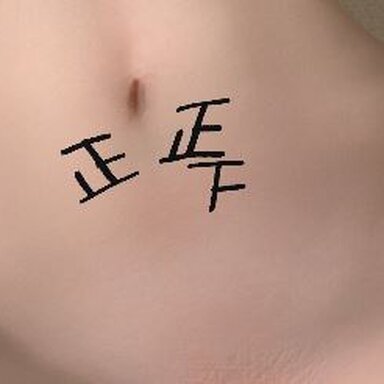


As shown in the figure, the count of this plugin can dynamically load the corresponding decal texture onto the character. Currently, it is limited to being displayed above the torso. Please do not use this plugin on characters that already have decal textures, as it will render the original decal textures ineffective.
Plugin usage instructions: You can first open "Show Alignment Guide" to view the anchored position of the plugin's pattern and make adjustments to ensure the pattern is displayed in the correct position. Of course, the plugin has built-in sliders for adjusting styles to help you achieve the desired pattern. Scene developers can use triggers to control the counting.
Plugin usage instructions: You can first open "Show Alignment Guide" to view the anchored position of the plugin's pattern and make adjustments to ensure the pattern is displayed in the correct position. Of course, the plugin has built-in sliders for adjusting styles to help you achieve the desired pattern. Scene developers can use triggers to control the counting.