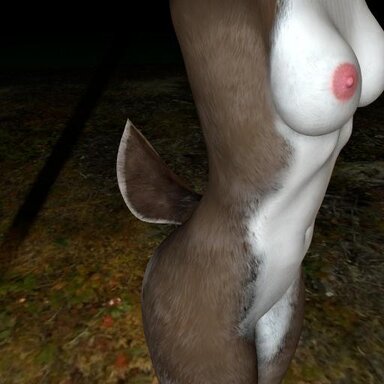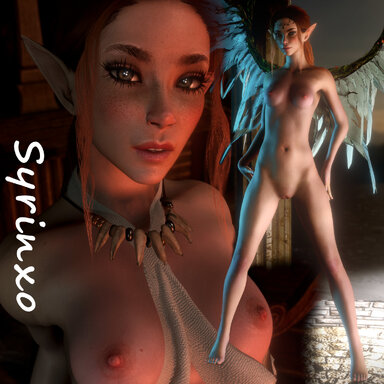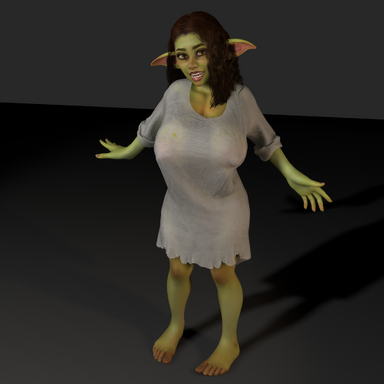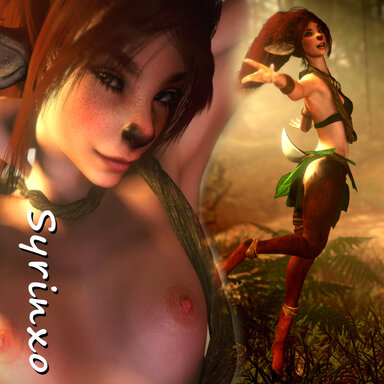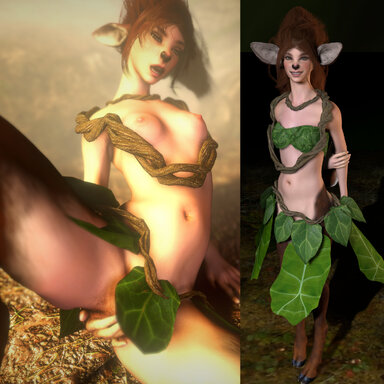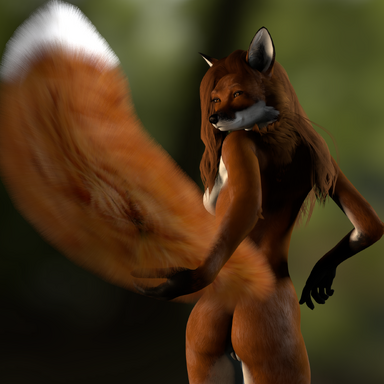


A fluffy-looking tail for a red fox, a CUA as clothing. Includes only the tail - I hope it's OK that Adara is modeling it, since it was made for her!


INSTRUCTIONS
Lighting
Everything comes with a cost! This Unity fur shader doesn't play nice with VAM - only one light source will work on it!
You can play with setting your lights to "auto" or "Force Pixel" to pick the one you want.
Sorry this is so weird, and a major drawback, but... fur!
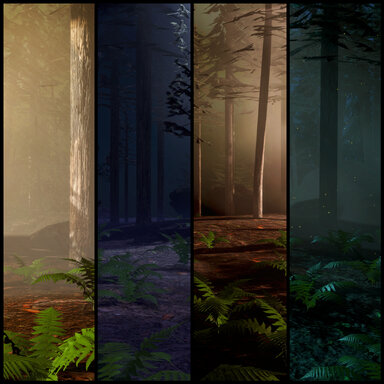
To help, I recommend illuminating the unlit portion by going to MainUI->Scene Lighting and turning up Unity Ambient Light to as needed to match your other lighting.
Be sure to set "Ambient Effect on native game objects" to zero, to prevent other stuff in your scene from glowing weirdly.
Movement and Posing
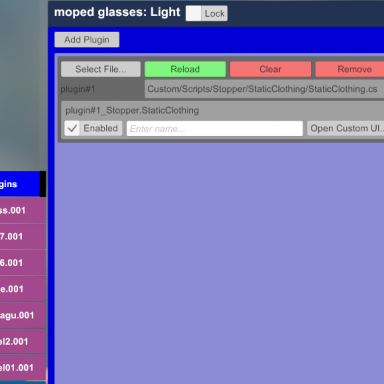
To make the tail tip "lag" a bit (instead of moving instantly with the pelvis) or to pose it, first add a new Empty atom and load the "TailAttachAtom" preset onto it (from this VAR). This will add two instances of the Bone Control plugin with settings.
Then open the first Bone Control plugin and add the model's pelvis as the target, if it isn't; "Reverse Parenting" should be checked.
Then, use the offset sliders in the Bone Control UI to move your empty atom to be close to the tail's tip (it should already be close, from the preset settings).
Note that only this instance of Bone Control, with Reverse Parenting, will have working offset sliders.
The 2nd Bone Control instance should be targeted to the tail asset's "Bone.001" bone, with only Hard Parenting activated.
It will be a bit janky/jerky, as Bone Control fights against the rigid base asset movement; a smoother solution is to use IKCUA or CUA/XPS Controller to give true inverse kinematics to the asset, but those solutions don't work well "out of the box" after you pack them into a VAR.
For posing the tail, parent the Empty atom to your model's pelvis, and set both Position and Rotation to "Parent Link" control. You can now move the Empty atom. Set them back to "On" to release the tail and allow it to move based on the model's movement.

INSTRUCTIONS
Lighting
Everything comes with a cost! This Unity fur shader doesn't play nice with VAM - only one light source will work on it!
You can play with setting your lights to "auto" or "Force Pixel" to pick the one you want.
Sorry this is so weird, and a major drawback, but... fur!
To help, I recommend illuminating the unlit portion by going to MainUI->Scene Lighting and turning up Unity Ambient Light to as needed to match your other lighting.
Be sure to set "Ambient Effect on native game objects" to zero, to prevent other stuff in your scene from glowing weirdly.
Movement and Posing
To make the tail tip "lag" a bit (instead of moving instantly with the pelvis) or to pose it, first add a new Empty atom and load the "TailAttachAtom" preset onto it (from this VAR). This will add two instances of the Bone Control plugin with settings.
Then open the first Bone Control plugin and add the model's pelvis as the target, if it isn't; "Reverse Parenting" should be checked.
Then, use the offset sliders in the Bone Control UI to move your empty atom to be close to the tail's tip (it should already be close, from the preset settings).
Note that only this instance of Bone Control, with Reverse Parenting, will have working offset sliders.
The 2nd Bone Control instance should be targeted to the tail asset's "Bone.001" bone, with only Hard Parenting activated.
It will be a bit janky/jerky, as Bone Control fights against the rigid base asset movement; a smoother solution is to use IKCUA or CUA/XPS Controller to give true inverse kinematics to the asset, but those solutions don't work well "out of the box" after you pack them into a VAR.
For posing the tail, parent the Empty atom to your model's pelvis, and set both Position and Rotation to "Parent Link" control. You can now move the Empty atom. Set them back to "On" to release the tail and allow it to move based on the model's movement.