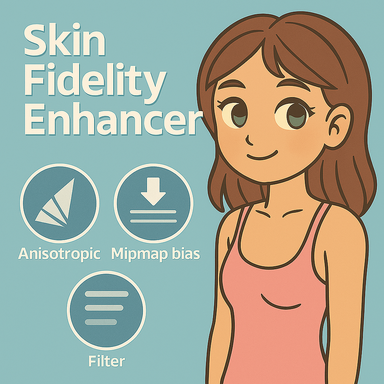



SkinFidelityEnhancer enables you to change some unexposed graphics settings that apply to Person Atom skin textures. See below.
How to use:
The highest settings in that order would be 16, trilinear, and -1.
If you change any setting and want to see its effects, open the plug and click the "Rescan Scene" button.
NOTE: This is most noticeable in VR, but you may notice better quality in desktop as well.
- Works on every Person in the scene automatically
- Non‑destructive — turn it off and everything goes back to normal
- Logs every change (logging is off by default — you can turn it on in settings)
- Lets you tweak anisotropic level, mipmap usage, and texture filter for even more control
How to use:
- Drop the .var file into your VaM\AddonPackages folder.
- In VaM, go to Session Plugins → Add Plugin.
- Select SkinFidelityEnhancer from the package list.
- Open the plug‑in’s UI to:
- Enable logging if you want to see exactly what it’s doing
- Set anisotropic filtering level
- Adjust mipmap bias mode for sharper or smoother texture sampling
- Change texture filter mode
- Save new default session plug-in settings so it's loaded next time you start VAM.
The highest settings in that order would be 16, trilinear, and -1.
If you change any setting and want to see its effects, open the plug and click the "Rescan Scene" button.
NOTE: This is most noticeable in VR, but you may notice better quality in desktop as well.