


windowcamera
-
Plugins + Scripts VaM ControlNet Capture 2026-08-30
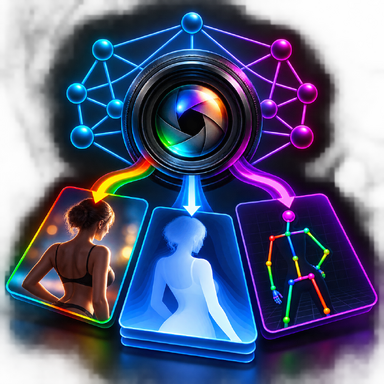
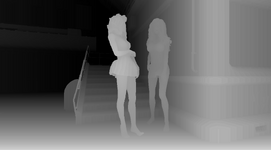
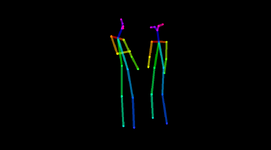
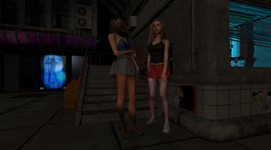
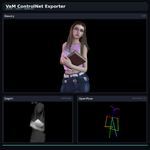
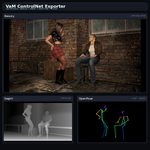
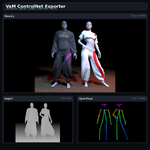
Hub-Hosted VAR CC BY-NC-SAVaM ControlNet Exporter What does this actually do? For beginners: VaM is perfect for posing, but you want a different final look. This plugin lets you take basically any VaM scene and export structured data so AI can interpret it and generate an entirely new image based on your prompt. VaM...- harry kant
- Resource
- ai image generation coco-18 comfyui controlnet depth map openpose windowcamera
- Category: Plugins + Scripts
-
Plugins + Scripts Smooth Follower 2
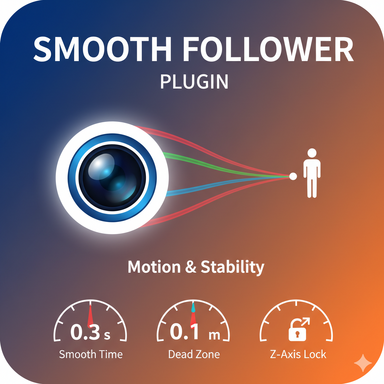
Hub-Hosted VAR CC BY-NDOverview This plugin provides the ability for the object it's attached to, to smoothly follow a specific target (e.g., a character's head, a moving prop). It is designed to achieve natural and stable camera work, similar to that of a professional camera operator. Main Features Flexible...- Goodsun
- Resource
- atom control follow smooth follower windowcamera
- Category: Plugins + Scripts
-

Question When did the Window Camera icon change (or did it)?
I thought I'd get into recording some animations with the Window Camera and was watching the great tutorial by @MacGruber : In that video the Window Camera is represented by a little green camera icon (that changes to blue when you select it) but I just noticed when I access the Window Camera...- Jocks3D
- Thread
- windowcamera
- Replies: 1
- Forum: Questions & Answers
-
B
Question How to Toggle Camera View in VR?
https://hub.virtamate.com/resources/tik-tok-dance-phut-hon-%E5%A4%A7%E6%91%86%E9%94%A4.15424/ I want to view in camera mode for this scene in VR. In desktop mode it's a simple press "M" toggle, but there seems to be no way in VR?- bloodsuga
- Thread
- camera ride vr mode windowcamera
- Replies: 2
- Forum: Questions & Answers
-

Paid Plugins + Scripts Pose Camera 4.19
Pose Camera ? external web-page Just attach PoseCamera.cslist to the WindowCamera and Press M button to switch to the Pose Camera mode, Done! Pose Camera 4.18 Included in Body Bundle 71 Experience enhanced visuals with newly integrated Bloom Post-Processing feature. Added Lens Dirt Filters...- miscreatedreality
- Resource
- desktop dof interface plugin pose windowcamera
- Category: Plugins + Scripts


