


-

Scenes Memories Summer
Click on UI to send out clicking sound, Only when the user enables the UI sound effect will it be available. It is not enabled by default. So it is normal that there is no clicking sound when opening the scene for the first time. But the settings will be saved when exiting the scene and restored... -
Scenes Memories Summer
As for the use of the same system script for "Memories Summer" and "AfterClassNight", if you can run "AfterClassNight", theoretically you should also be able to run "Memories Summer". -
Scenes Memories Summer
After entering the scene in 'AfterClassNight', if you see a default pose instead of an animation, select the next animation in the dialogue button to play it, or open the animation menu panel and choose an animation. -
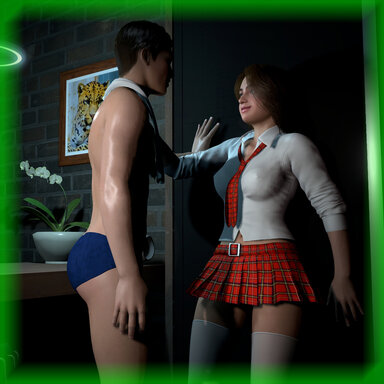
Scenes AfterClassNight V1.10
Hub-Hosted VAR CC BY-NC-NDInstructions for Use: Keyboard Shortcuts: V Key: Hide or Show Main UI Icon Button Panel P Key: Enter or exit the men's view R Key: Enter or exit camera view Space Key: Open or close the dialogue interaction button VR headset shortcut: VR Left Handle X Key: Open or Close Main UI Icon Button... -
Scenes AfterClassNight
qkhhcs submitted a new resource: AfterClassNight - Sex Night Read more about this resource... -
Scenes Memories Summer
Need to check the girl's buttocks behind the chair and the position of her genitals under the table, and successfully trigger the conversation. Looking at the girl's head again can trigger the conversation button. -
Scenes Memories Summer
qkhhcs updated Memories Summer with a new update entry: updated to V1.12 Read the rest of this update entry... -
Scenes Memories Summer - updated to V1.12
-.Adjusted UI effects -.Fixed the bug where restart cannot trigger conversation events -
Scenes Memories Summer
Start this scene and identify the need for exploration as there is game logic involved -
Scenes Memories Summer
qkhhcs submitted a new resource: Memories Summer - GameScene Read more about this resource... -
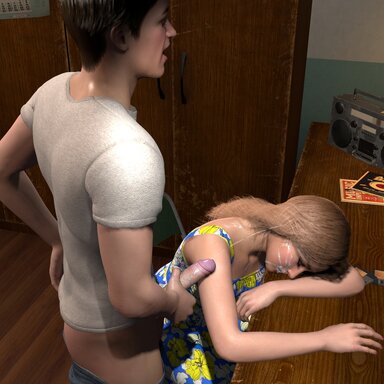
Scenes Memories Summer V1.12
Hub-Hosted VAR CC BY-NC-NDInterface usage tutorial: Desktop Demo video: VR Mode Demo video: -. Special attention should be paid to selecting<VR Mode>in VAM VR mode!!! -. The set information will be automatically saved when exiting the scene, and will be restored when the scene is reopened Scene screenshot... -
Demo + Lite QNV-001Remake-Experience
qkhhcs submitted a new resource: QNV-001Remake-Experience - Sex Night Read more about this resource... -
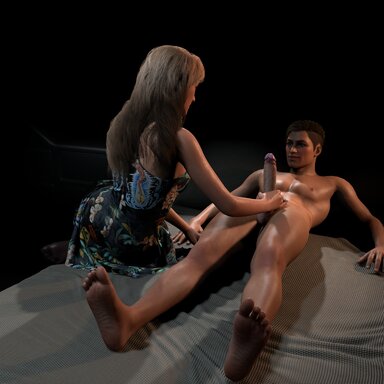
Demo Scenes QNV-001Remake-Experience v1.4
Hub-Hosted VAR CC BY-NC-NDshortcut key: H: Hide or Show Main UI Icon Button Panel P: Enter or exit the men's view R: Enter or exit camera view G: Enable or disable male hand tracking V: Open or close the settings panel (desktop mode only) Space: Open or close the dialogue interaction button VR Left Handle X Key: Open or...- qkhhcs
- Resource
- handjob qkhhcs scence
- Category: Demo + Lite
-
Paid Scenes QNV-001Remake
qkhhcs submitted a new resource: QNV-001Remake - Sex Night Read more about this resource... -
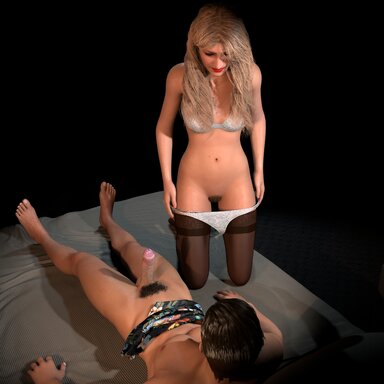
Paid Scenes QNV-001Remake v1.4
shortcut key: H: Hide or Show Main UI Icon Button Panel P: Enter or exit the men's view R: Enter or exit camera view G: Enable or disable male hand tracking V: Open or close the settings panel (desktop mode only) Space: Open or close the dialogue interaction button VR Left Handle X Key: Open or... -
Paid Scenes QIV-001 V3
qkhhcs updated QIV-001 V3 with a new update entry: updated to V3.7 Read the rest of this update entry... -
-
Paid Scenes QIV-001 V3
qkhhcs updated QIV-001 V3 with a new update entry: updated to V3.4 Read the rest of this update entry... -
-
Paid Scenes QIV-001 V3
qkhhcs updated QIV-001 with a new update entry: updated to V3.2 Read the rest of this update entry...