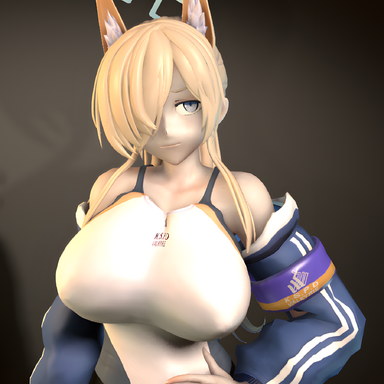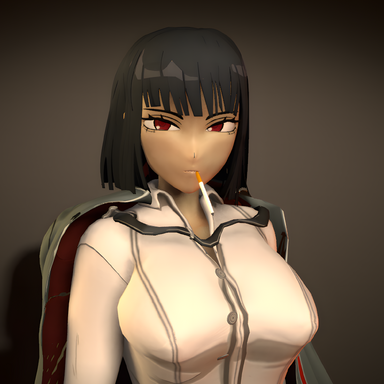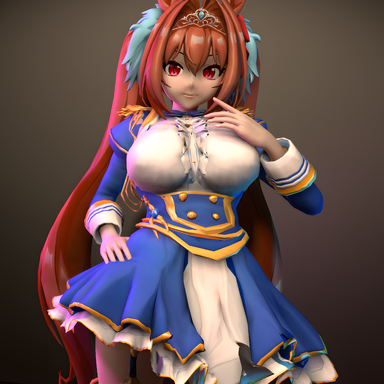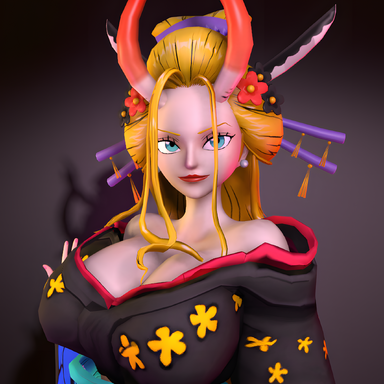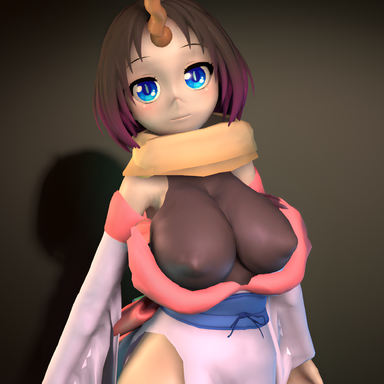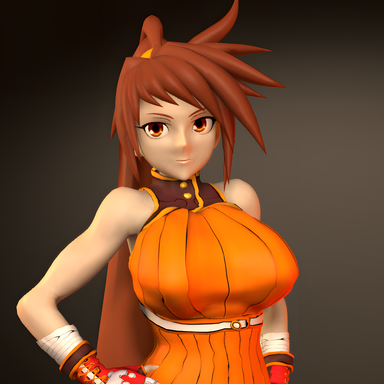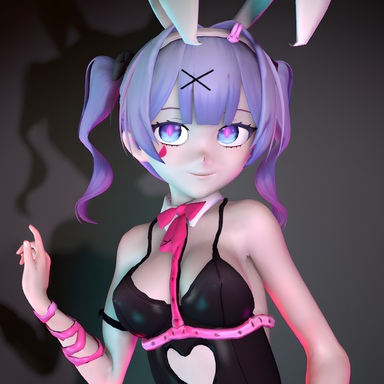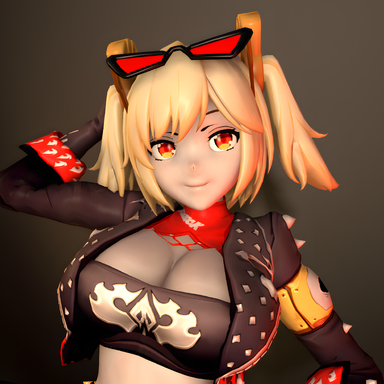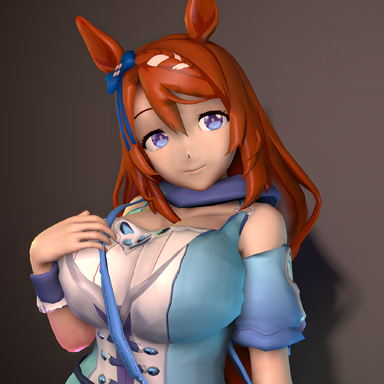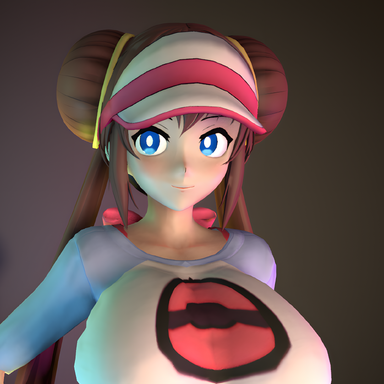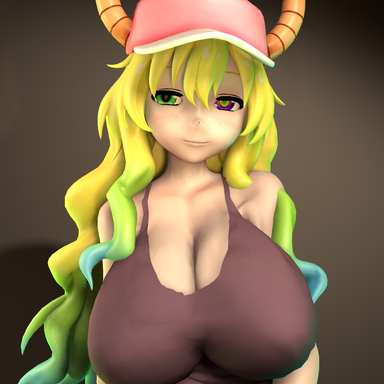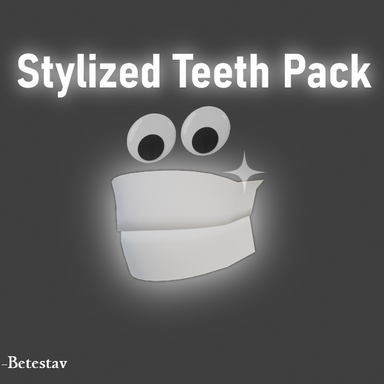


Are you tired to see these strange uncanny looking default teeth on your favorite characters that shouldn't?
Here is a simple universal pack of solid teeth to use on any stylized looks you'd like!
This is a upgrade accessory that can be used on all my looks, and others with some adjustments.

===================================================================
This resource includes:
1 morphs + the teeth themselves.
====================================================================
How do I apply this on my character?
There are a few things to consider when applying these on a look.
1: the morphs.
There are 3 simple morphs that needs to be applied with these teeth for best expected results.
-Teeth Lower Jaw Move Forward-Back *(moves the jaw a little behind to prevent clipping)
-Teeth Upper jaw Move Forward-Back *(moves the jaw a little behind to prevent clipping)
-TeethMorph *(Hides the default teeth, included)
To apply these 3 at the same time more efficiently, go in the included Var. and save the morph preset in the tab, and select Use Merge Load when loading it on another look.


2: The Teeth themselves
After the morph preset is added, simply equip the teeth included in the Var. to your character.

*This set of teeth is meant to hide pretty much all the gums, and are attached to the gums.
The gums are expected to not be modified, as any deformation of them will also alter the teeth's geometry.
You are free to use my resource however you want on your looks and publish them, as long as you credit me. (PC & FC)
Here is a simple universal pack of solid teeth to use on any stylized looks you'd like!
This is a upgrade accessory that can be used on all my looks, and others with some adjustments.
===================================================================
This resource includes:
1 morphs + the teeth themselves.
====================================================================
How do I apply this on my character?
There are a few things to consider when applying these on a look.
1: the morphs.
There are 3 simple morphs that needs to be applied with these teeth for best expected results.
-Teeth Lower Jaw Move Forward-Back *(moves the jaw a little behind to prevent clipping)
-Teeth Upper jaw Move Forward-Back *(moves the jaw a little behind to prevent clipping)
-TeethMorph *(Hides the default teeth, included)
To apply these 3 at the same time more efficiently, go in the included Var. and save the morph preset in the tab, and select Use Merge Load when loading it on another look.
2: The Teeth themselves
After the morph preset is added, simply equip the teeth included in the Var. to your character.
*This set of teeth is meant to hide pretty much all the gums, and are attached to the gums.
The gums are expected to not be modified, as any deformation of them will also alter the teeth's geometry.
You are free to use my resource however you want on your looks and publish them, as long as you credit me. (PC & FC)