





Proud of your creations? I'd love to see!
Leave a like, review, and show me your creations in the community gallery below!
About
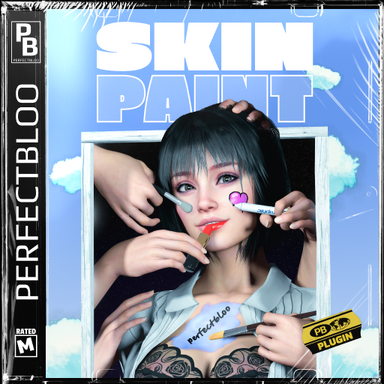
Get creative with Skin Paint and let persons in your scene become your canvas. Configure other atoms to act as paint tools for use in VR or animations, or simply use your mouse to paint on desktop. Change various brush settings, material properties (Decal, Specular, Gloss, Normals) and even use custom brush textures. Use Skin Paint to create interactive scenes, interesting animations, or to create textures to reload with Skin Paint or plugins like Decal Maker.Quick Start
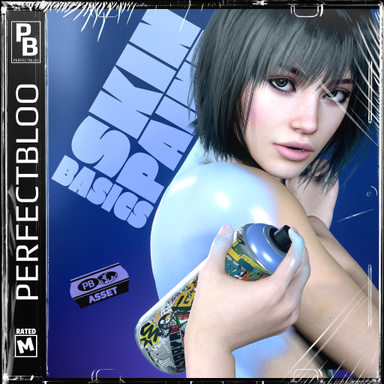
Check out my Skin Paint Basics package for some ready to go CUA painters. It includes for example an animated lipstick, and a can of spray paint with sound and particle effects.
How To
To setup your scene for painting, you need two plugins (a third one will be added automatically):| Plugin | Atom | Description |
|---|---|---|
| Paintable | Person | Configure your canvas:
|
| Painter | Any (or as a scene plugin) | Configure your paint brush:
|
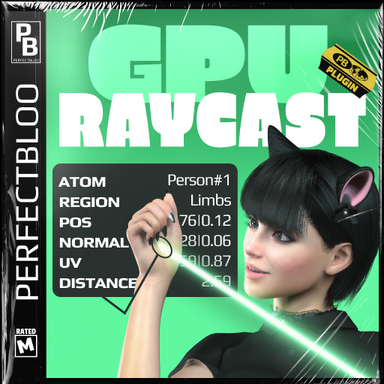
| GpuRaycast | Automatically added as a scene plugin | This plugin allows Painters to find Paintable targets in the scene. For more information check out the description of my GPU Raycast package. |
Painter atoms with activation mode "Input"
If you choose to activate your painter via input, you can freely choose any key to press in desktop mode in the painter settings. In VR the input is fixed to the select button of your controller for now. Additionally, you must grab the painter atom before pressing the button.
Known Issues
| Texture region density differences | Persons' faces have a higher texel density than the rest of the body. Depending on brush size and texture resolution, this might lead to brushes not working correctly on the face, while there are no problems painting on the rest of the body. Fixes include:
|
| Visible texture seams | Brushes might not paint correctly around texture seams sometimes. Painting over it multiple times often fixes the problem. |
| Blocking hair scalps & transparent clothing | Scalps replace part of the head geometry and currently cannot be painted on. Clothing that hides geometry through transparency will still block painting, even though skin appears visible. |
| Freeze when saving textures | Saving textures, especially with high resolution and when saving all regions at once, can freeze VaM for a few seconds. |
- Slut show - Your personal Exhibition Hall by supperGR (CC BY-NC-SA)
- Sabrina by willmason (CC BY)
- Skin 6 by Riddler (CC BY)
- NL Hair 01 by NLvam (CC BY)
- Enhanced Eyes by Hunting-Succubus (CC BY-NC)
- Blouse & Skirt Set004P by YameteOuji (CC BY)
- Lingerie Set L02 by YameteOuji (CC BY)
- Set S01 by YameteOuji (CC BY)
- Set S02 by YameteOuji (CC BY)
- Shimapan Technology by YameteOuji (CC BY)
- AshAuryn's Expressions (72 morphs) (Legacy) by AshAuryn (CC BY)
- Pose Morphs for Fingers by ascorad (FC)
- asco's Facial Expression Morph Pack by ascorad (CC BY)
- Cosmetic Accessories.CUA by Nayris (CC BY-NC)
- Person Transparency - With Alpha Masks by AlienAxeMan (CC BY)
- "Paint Brush 3" by plaggy (CC-BY-4.0, https://skfb.ly/ooqOU)
- "Lipstick" by riach (CC-BY-4.0, https://skfb.ly/otGGM)
- "Marker" by Mehdi Shahsavan (CC-BY-4.0, https://skfb.ly/oWSFW)




 But please let me know once you tried if you don't mind!
