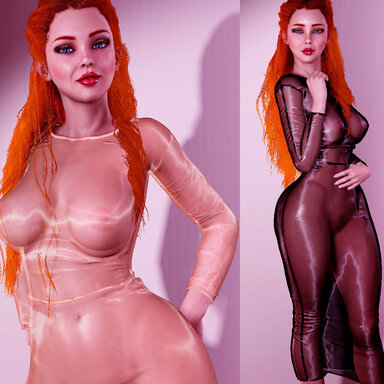
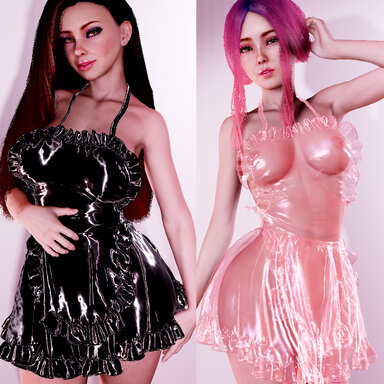
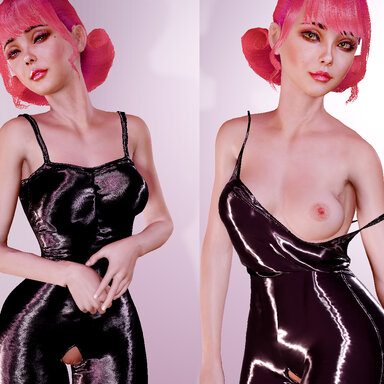
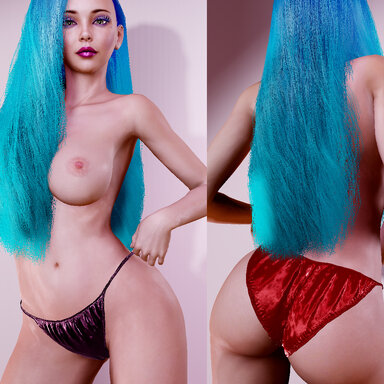
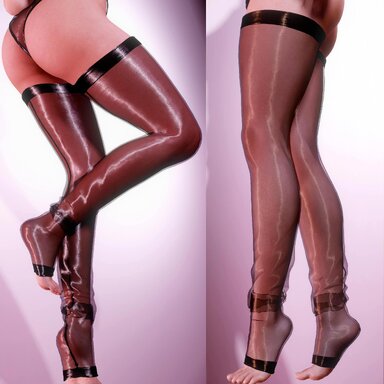
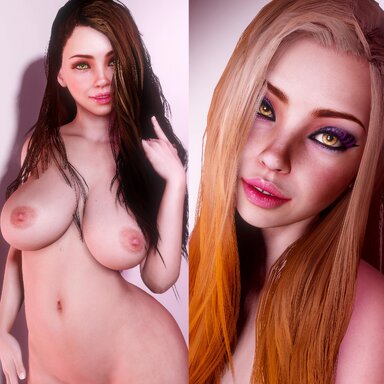
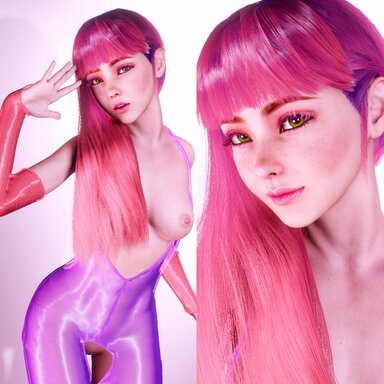
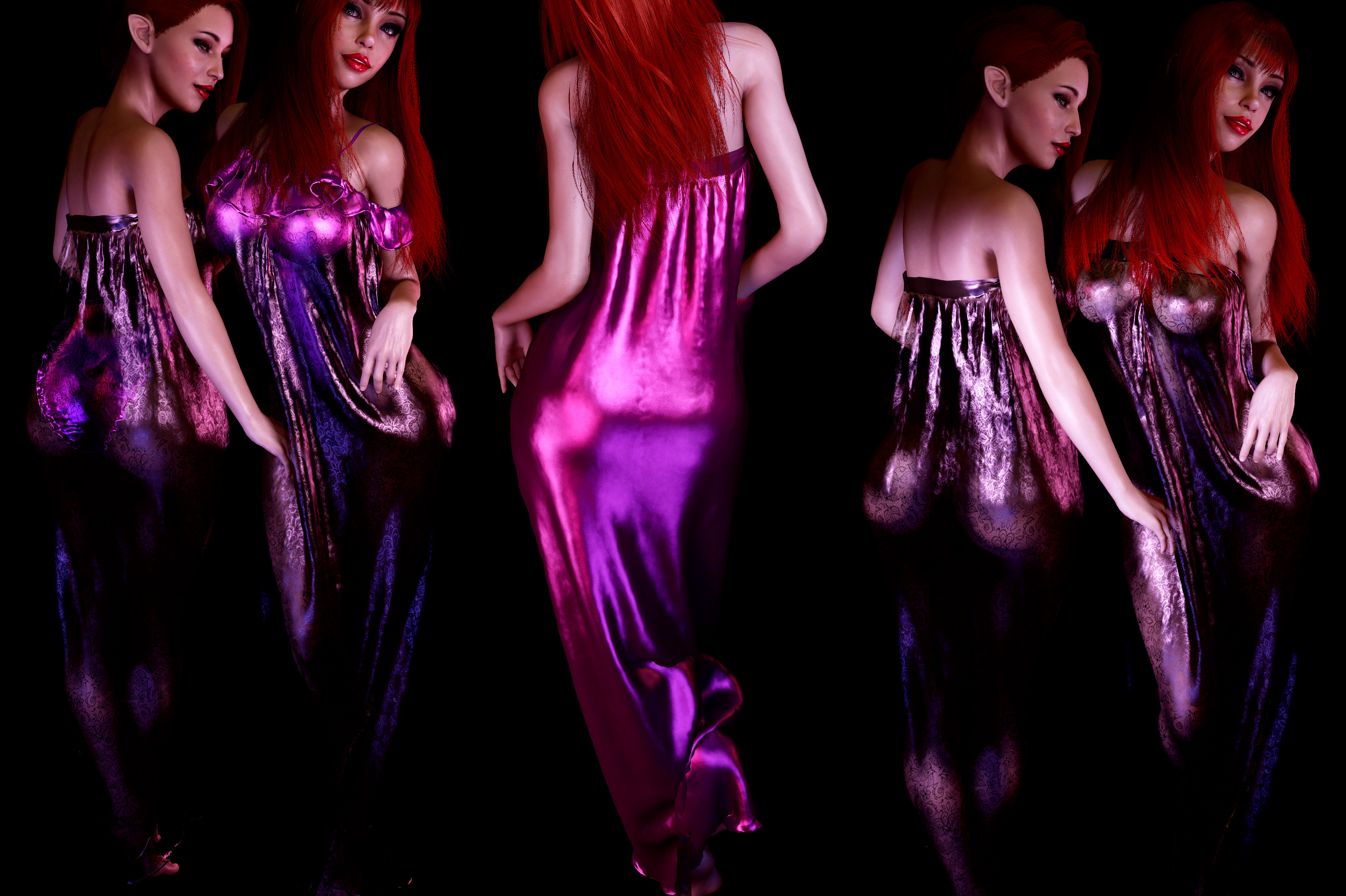
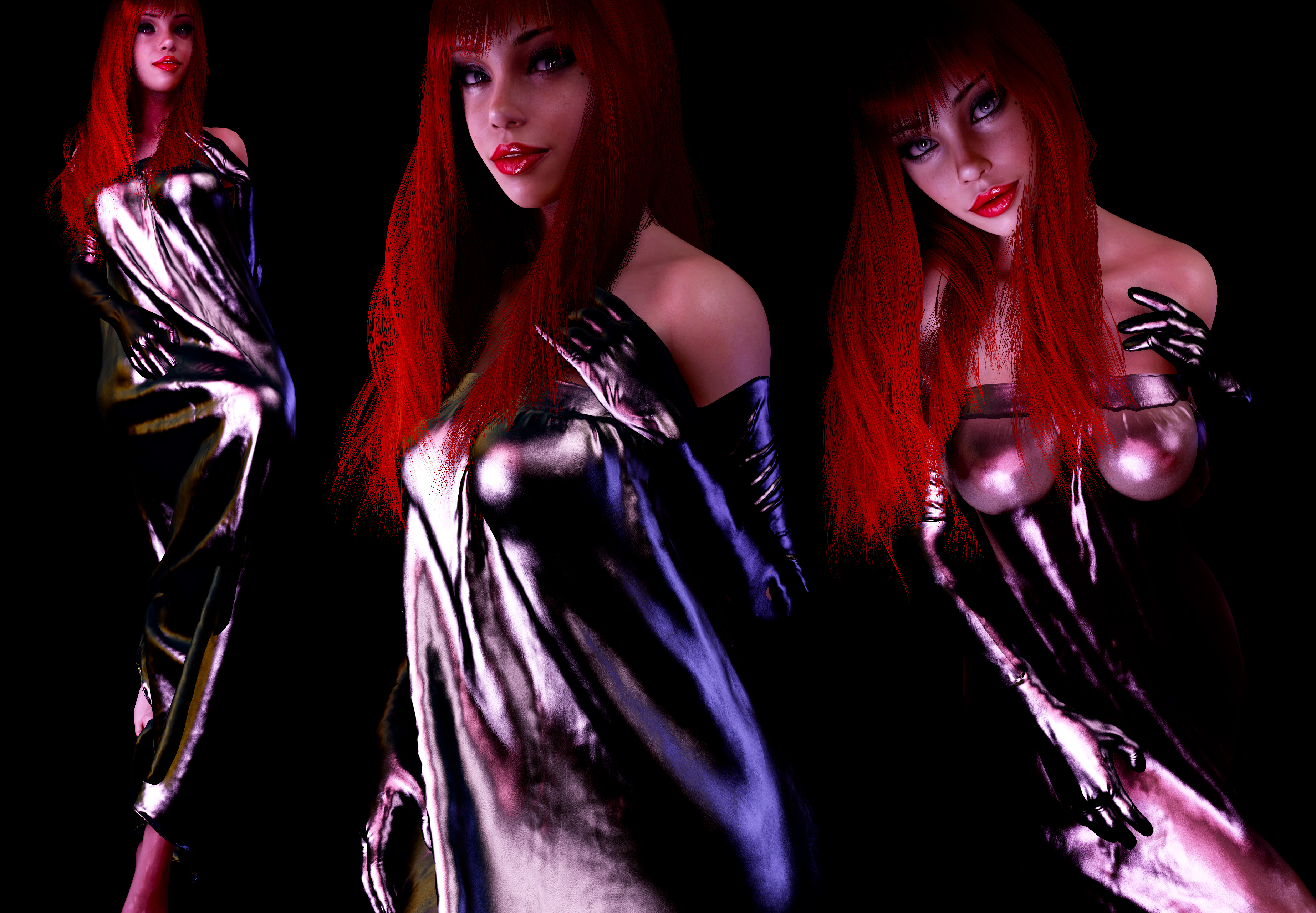
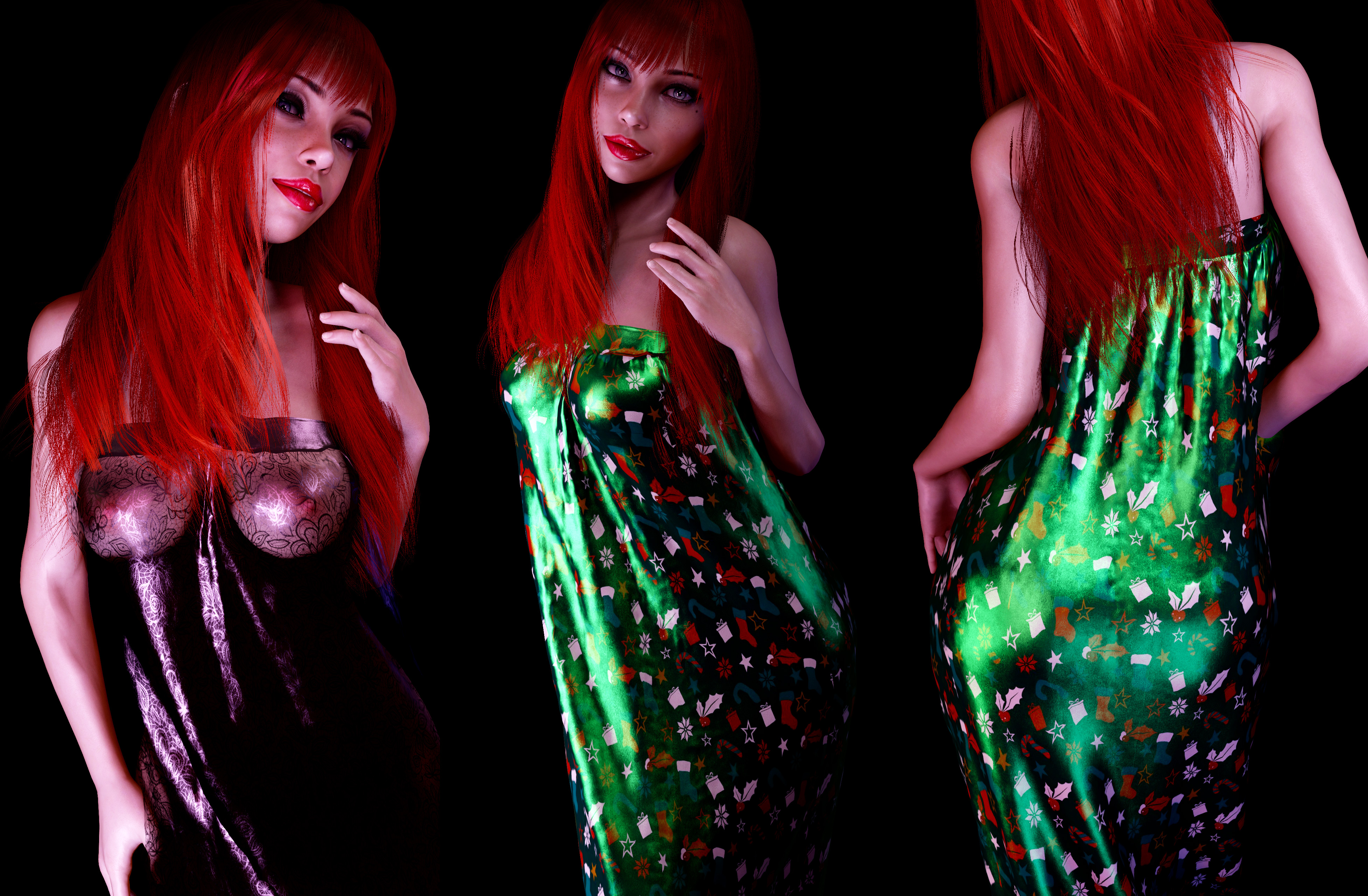
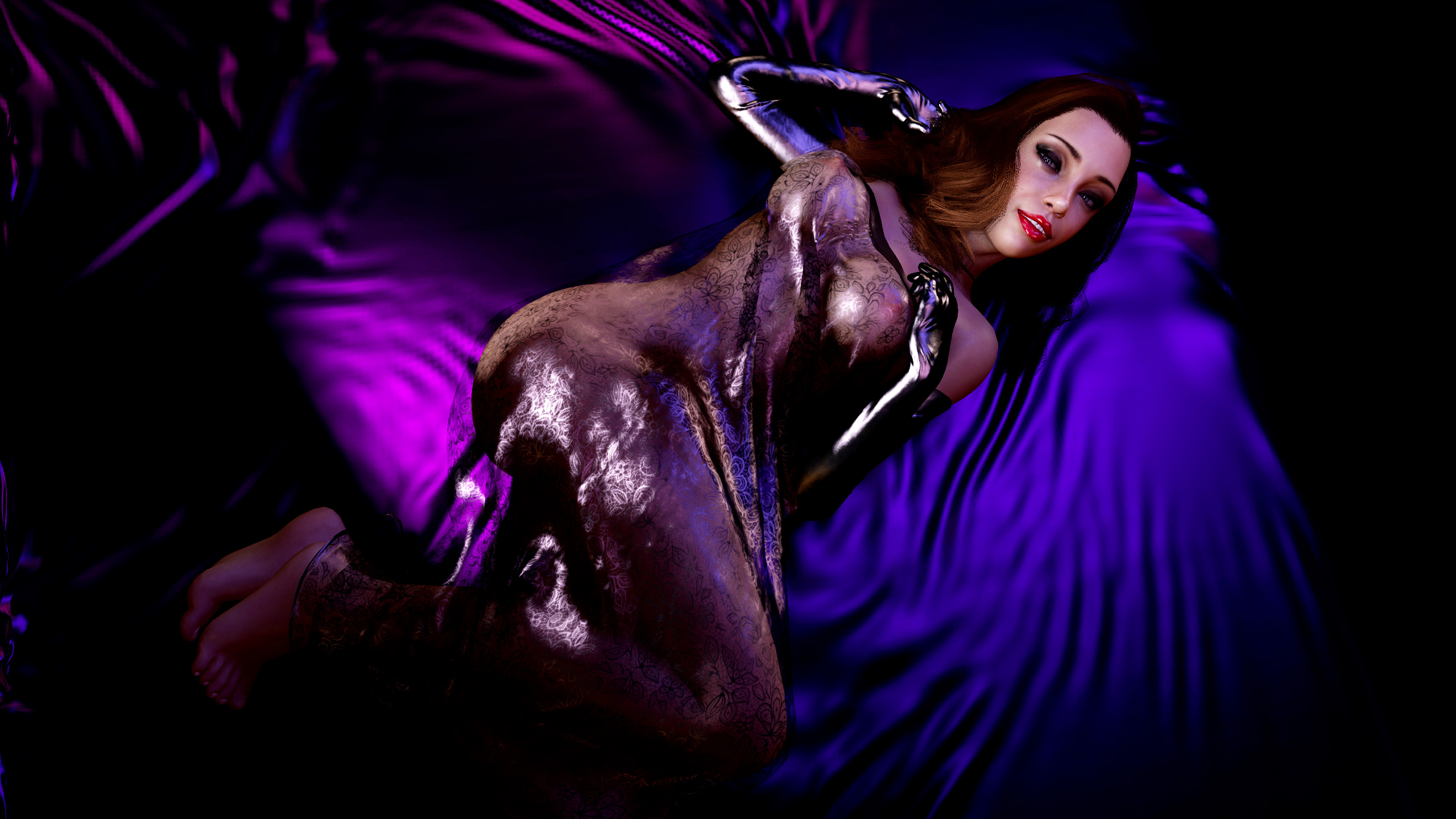
Full-length negligee, presets for satin, mesh and 2 lace variations.
If its a bit too long for your lady you can reduce the size a bit under Distance scale in the physics tab.
To change the color just use the usual color picker, to keep the satin look make sure the spec color matches the diffuse.
I created the clothing models myself and the normal maps.
All photos are taken in VR, no postwork. The nice lady in the photos is my own custom preset.
How to use guide:
-------------
Put the .var file inside the: Vam\Addonpackages\ folder.
When you click to edit a female character, go to clothing.
The clothing item will be in the list, you should be able to see the thumbnail image.
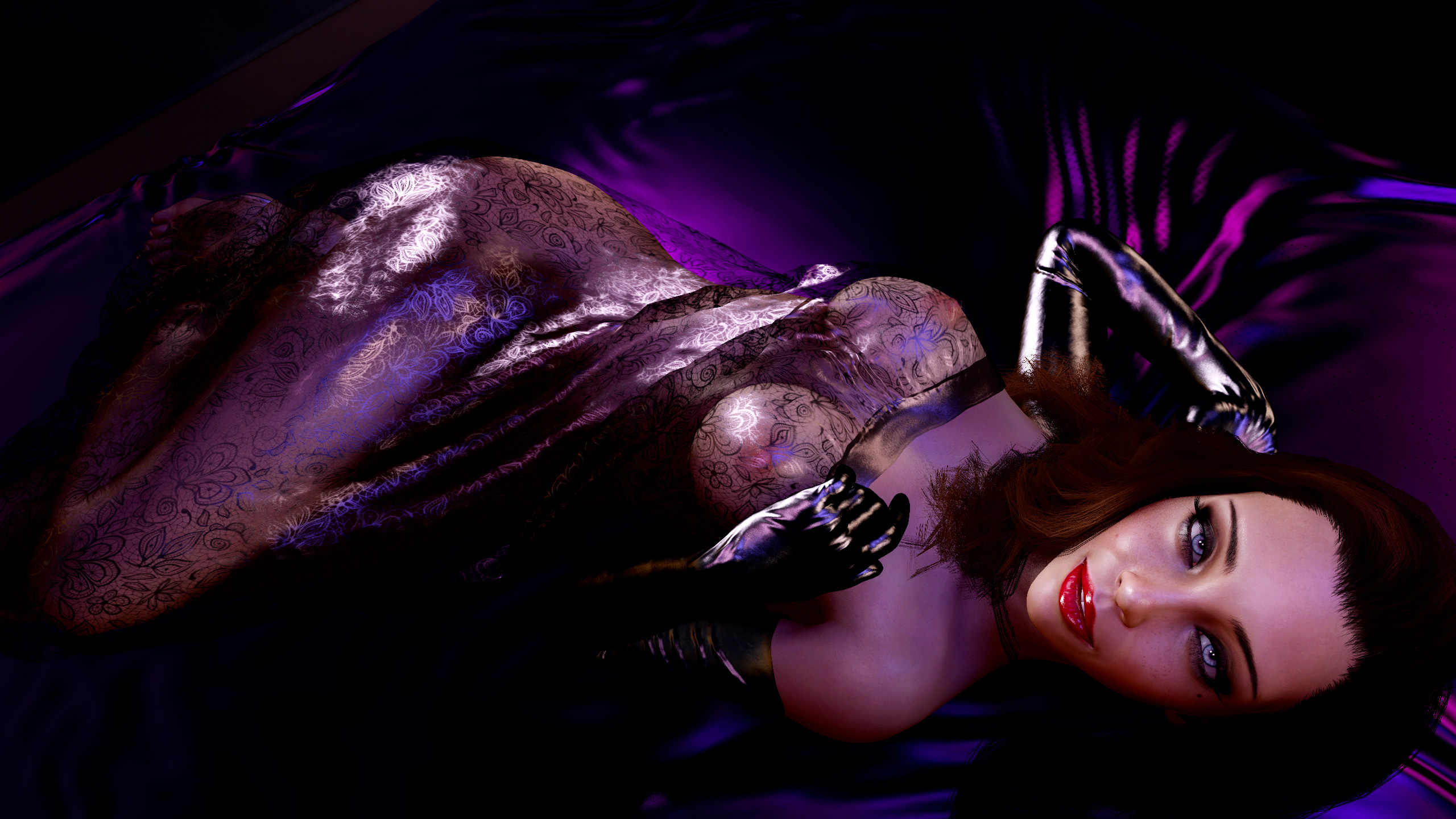
If its a bit too long for your lady you can reduce the size a bit under Distance scale in the physics tab.
To change the color just use the usual color picker, to keep the satin look make sure the spec color matches the diffuse.
I created the clothing models myself and the normal maps.
All photos are taken in VR, no postwork. The nice lady in the photos is my own custom preset.
How to use guide:
-------------
Put the .var file inside the: Vam\Addonpackages\ folder.
When you click to edit a female character, go to clothing.
The clothing item will be in the list, you should be able to see the thumbnail image.