

Is this useful for you? I'd love to know!
Leave a like, and tell me in your review how this is helpful or could be improved!
About
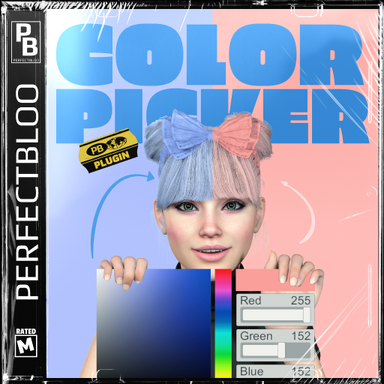
Create world-space color pickers in your scene. Customize your color picker size, colors, text, etc. just like you know from other UI atoms. Add triggers to sync the picker color with other atoms in your scene.How To
Add an UIToggle atom from the Triggers category to your scene. Use the Color Picker tab of the atom UI to change the size, text, and style of your color picker. Use the Color Picker Triggers tab to sync the picker color with other atoms in your scene. Use the Sync Both Ways toggle of each trigger action to not only apply the picker color to your targets, but also set the picker color when your target's color changes.Huh? Why a toggle atom?
The UIToggle atom makes it easy for this plugin to modify the atom's built-in tabs (UI Style, Triggers) and give it a more native feel instead of replicating similar settings in a custom plugin UI.
- Slut show - Your personal Exhibition Hall by supperGR (CC BY-NC-SA)
- Sabrina by willmason (CC BY)
- Skin 6 by Riddler (CC BY)
- 2BUN Look by Lasseur (CC BY)
- ponytail hair2 by ddaamm (CC BY)
- CMA_IRIS_REFLEX_EYESSHADOW by CMA (CC BY-SA)
- Emissive Eyes reflection/shadows by SupaRioAmateur (CC BY-NC-SA)
- YmO_240408_Turtleneck_Set by YameteOuji (CC BY)
- Balloon Set by maru01 (CC BY)
- Cute Outfit4 by maru01 (CC BY)
- Top_SH by VL_13 (CC BY)
- Mocap Based Expression movements by Jackaroo (CC BY)
- asco's Facial Expression Morph Pack by ascorad (CC BY)