• Hi Guest!

    We are extremely excited to announce the release of our first Beta1.1 and the first release of our Public AddonKit!
    To participate in the Beta, a subscription to the Entertainer or Creator Tier is required. For access to the Public AddonKit you must be a Creator tier member. Once subscribed, download instructions can be found here.

    Click here for information and guides regarding the VaM2 beta. Join our Discord server for more announcements and community discussion about VaM2.
  • Hi Guest!

    VaM2 Resource Categories have now been added to the Hub! For information on posting VaM2 resources and details about VaM2 related changes to our Community Forums, please see our official announcement here.
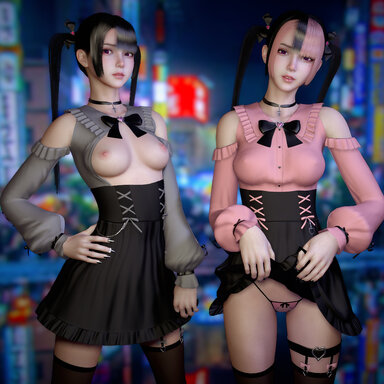
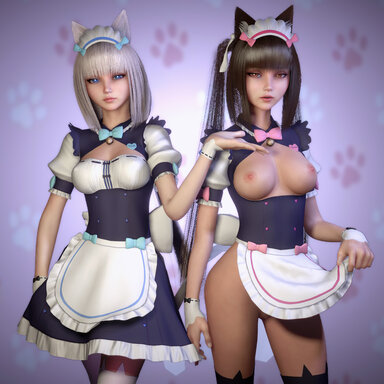
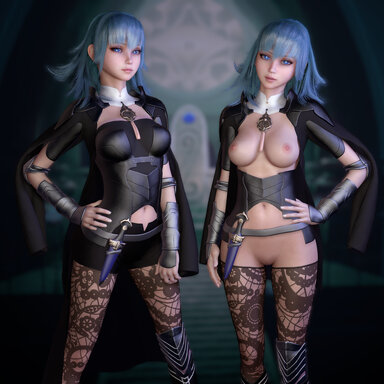
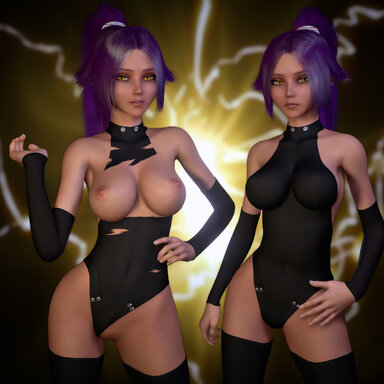
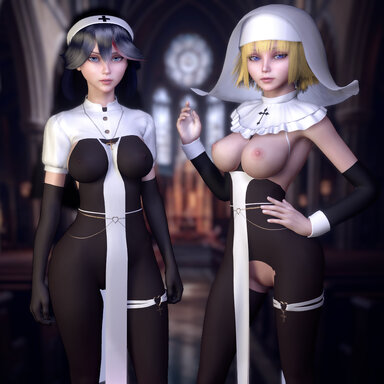
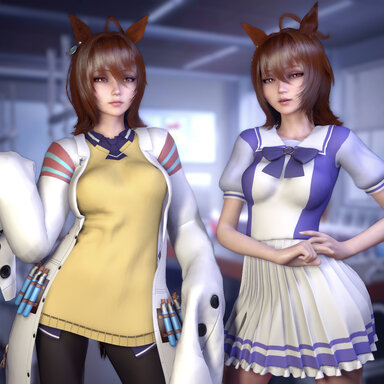
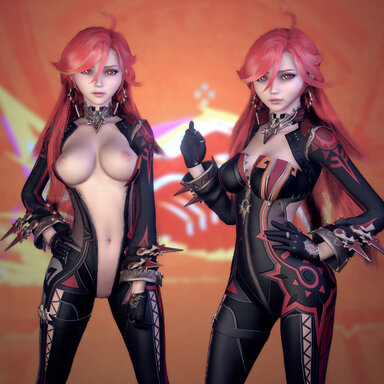
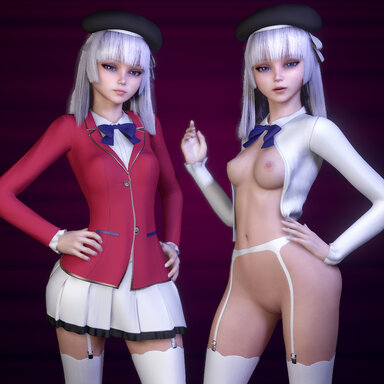
VaM 2026-02-04 10-30-02.png

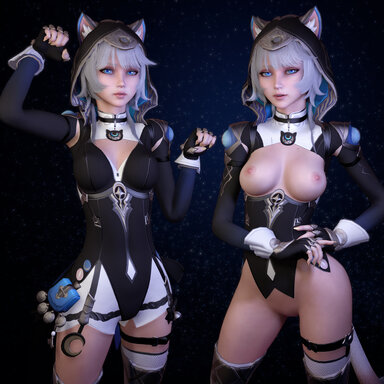
comp1.jpg

What's inside the package:

- Look
- Clothing [Body + exposed presets, Ears, Hood, Sleeves, Gloves, Bag, Body Attachments, Shoes Upper, Shoes, Leg Choker, Body Tail, Eyes, EyeShadow]
- Hairstyle
- Tail as Custom Unity Asset[Add EzSoftBone as Session Plugin by Skynet for physics]

To change preset go to clothing>customize>preset>select existing one
Tail has physics, here is what you need to do to set it up:
1. In session plugin tab add script "EzSoftBoneRuntimeLoader.cs" from the package
2. In Session Plugin Presets tab, click 'Change User Defaults...' then click "Set Current As User Defaults"
3. Add CUA Cipher_tail_prefab from package then move to it the back of character
4. In control Tab of CUA check Parent Link for position and rotation then Link to Atom "Person" and Link to "Hip"
5 Done.
React to this content...
Click the links below to support the other creators whose content was used to make this resource!

Share this resource

Credits

Creator Support Link
Skynet Skynet
Yaneks Yaneks
Back
Top Bottom