• Hi Guest!

    We are extremely excited to announce the release of our first Beta1.1 and the first release of our Public AddonKit!
    To participate in the Beta, a subscription to the Entertainer or Creator Tier is required. For access to the Public AddonKit you must be a Creator tier member. Once subscribed, download instructions can be found here.

    Click here for information and guides regarding the VaM2 beta. Join our Discord server for more announcements and community discussion about VaM2.
  • Hi Guest!

    VaM2 Resource Categories have now been added to the Hub! For information on posting VaM2 resources and details about VaM2 related changes to our Community Forums, please see our official announcement here.
BubbleControl

Plugins + Scripts BubbleControl

Download [<1 MB]
BubbleControl is a person plugin, which can be used to tweak the behavior of the VAM's built-in Speech and Thought bubbles.

The first version supports the following tweaks:
  • Resize the bubbles.
  • Restrict bubble sizes to prevent them from getting to small and unreadable when far away. Or too huge when close.
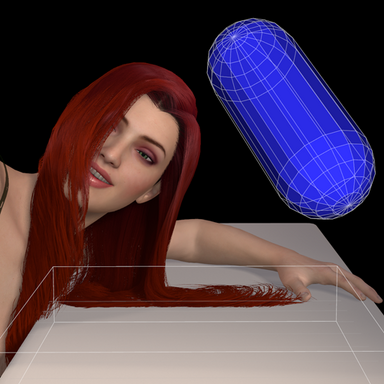
  • Restrict bubble positions so they always appear on-screen, on its edge closest towards the speaking/thinking person.
All these features work fine in VR. The default position restriction in VR is configured so that the bubbles stay in your peripheral vision. Unlike on desktop they are not really readable, but you will know where to turn your head to read them. You can change the settings to move them more in front even in VR, but it can be quite distracting.

Just by adding the plugin to a person, some of the settings are enabled by default:
  • Distance scaling limits are enabled. The bubble won't scale up when closer than 0.5m, and won't scale down when farther away than 3m.
  • Position restriction is on, both on desktop and VR.
Check the following video for a short demonstration of the features.

React to this content...

Share this resource

Back
Top Bottom